Personal expenses
Create a group with just you in it to keep track of daily expenses.
Track your spending. Split bills with friends.
Keep track of your own expenses and shared bills, with totals across all your groups.
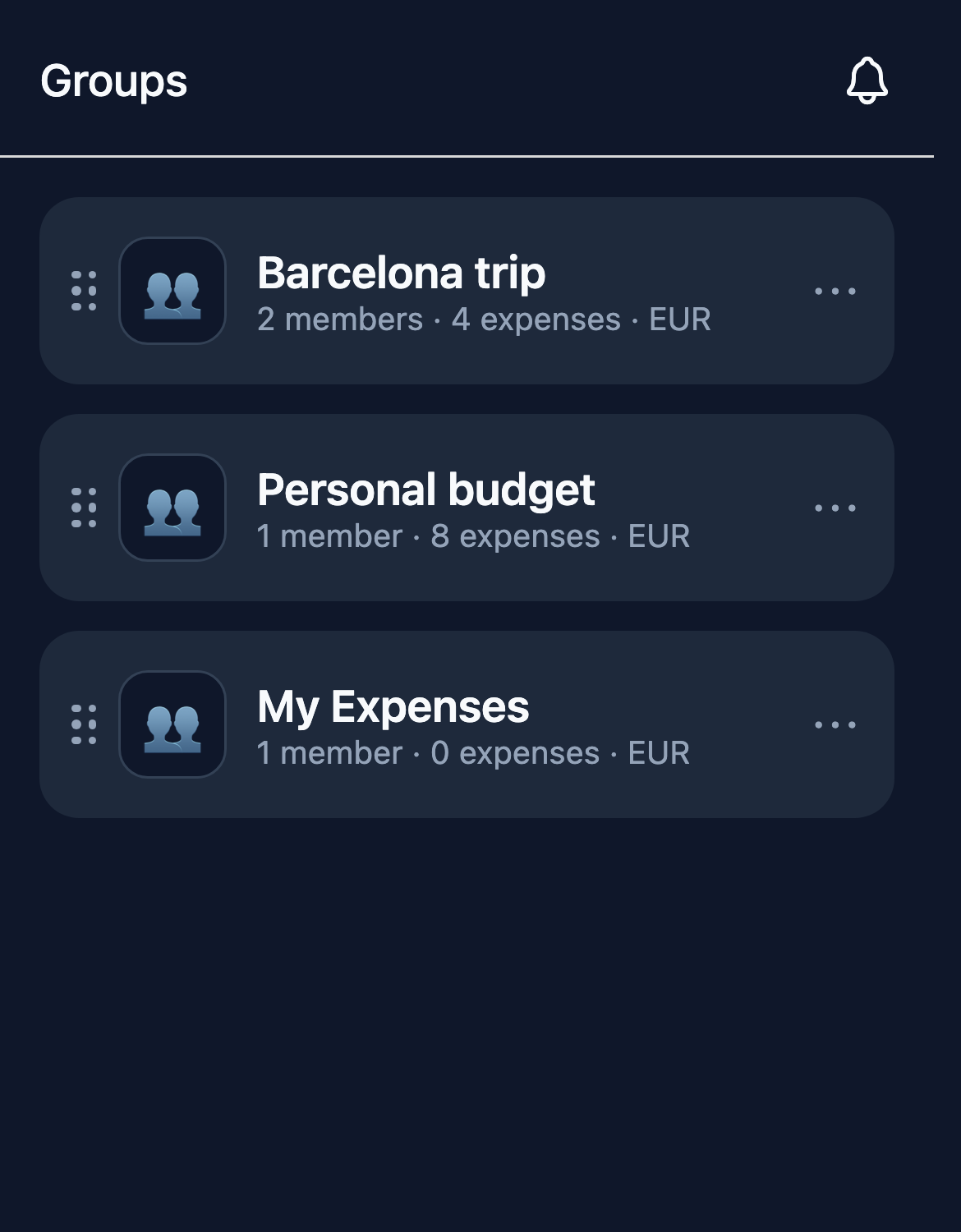
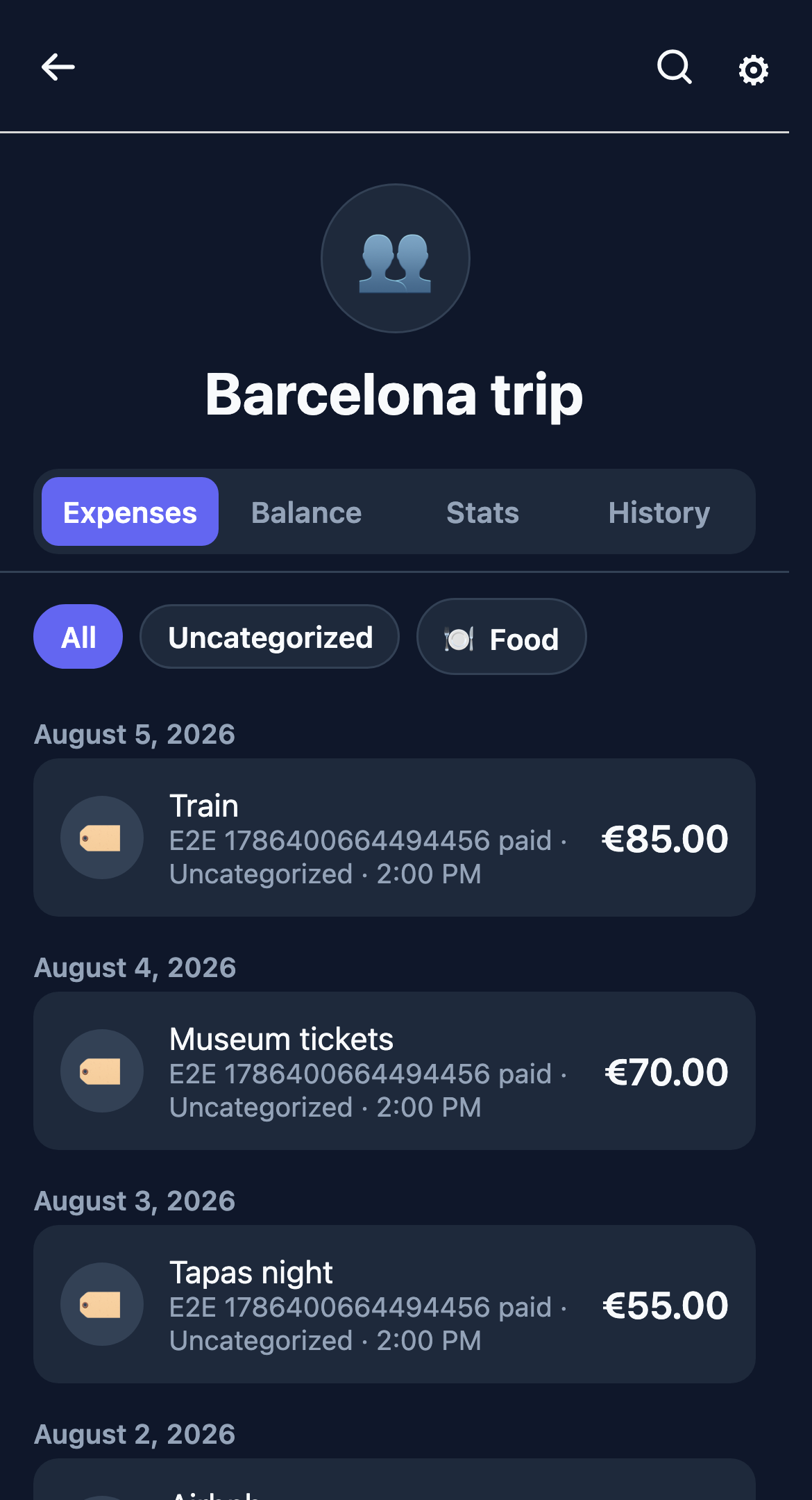
Use TmCount to track groceries, transport, subscriptions, and other expenses. Create a separate group for a trip, your housemates, or any bills you share.
Invite people by email or link, choose how to split each bill, and see who owes whom. TmCount works in your browser on a phone or computer.
Create a group with just you in it to keep track of daily expenses.
Record shared costs, split them equally or by amount, and see who needs to pay whom.
See monthly totals across your personal and shared groups.
Keep track of groceries, transport, subscriptions, and other costs in a private group.
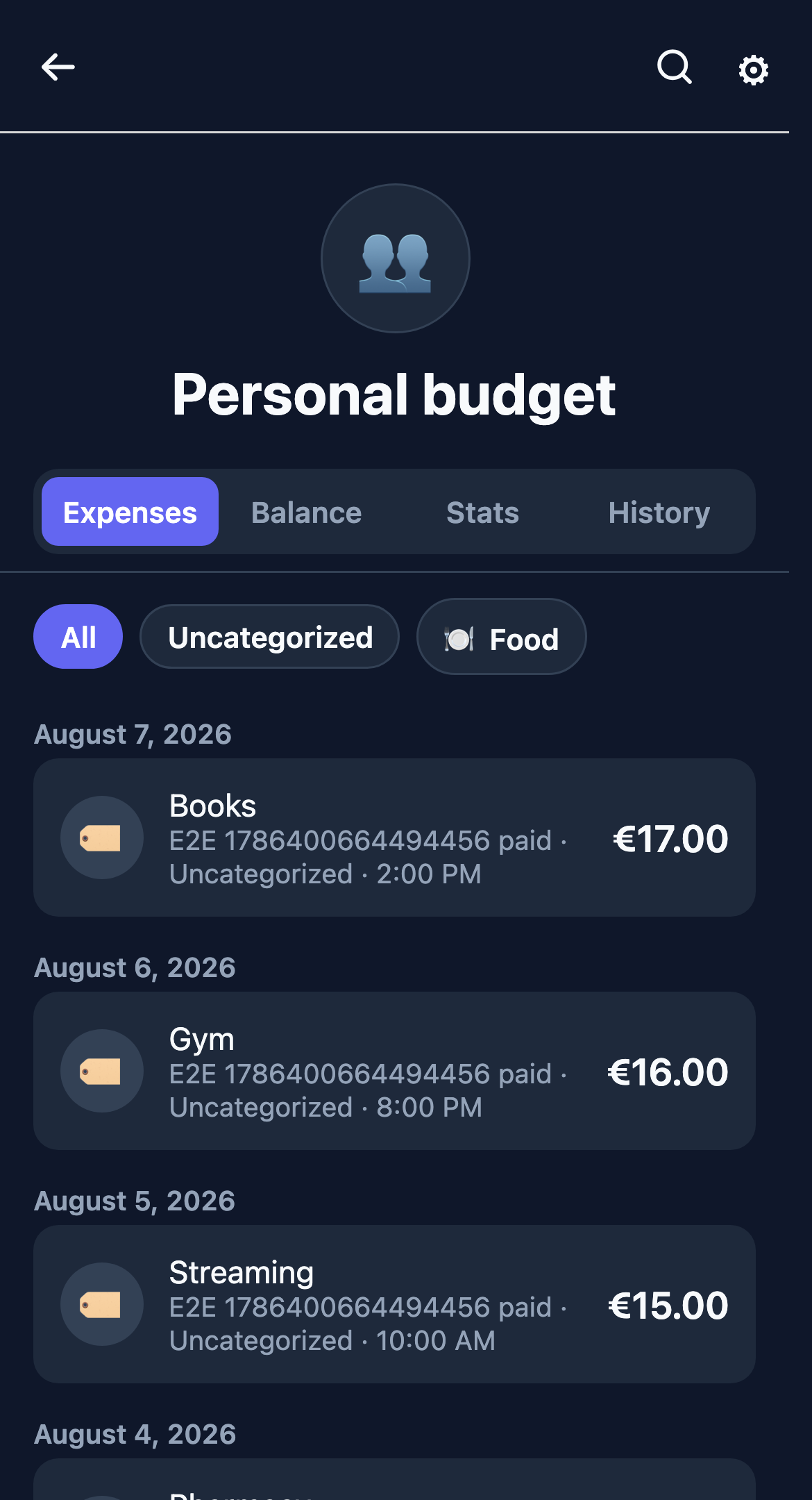
Record bills for a trip or household. Choose each person’s share and check the balances.
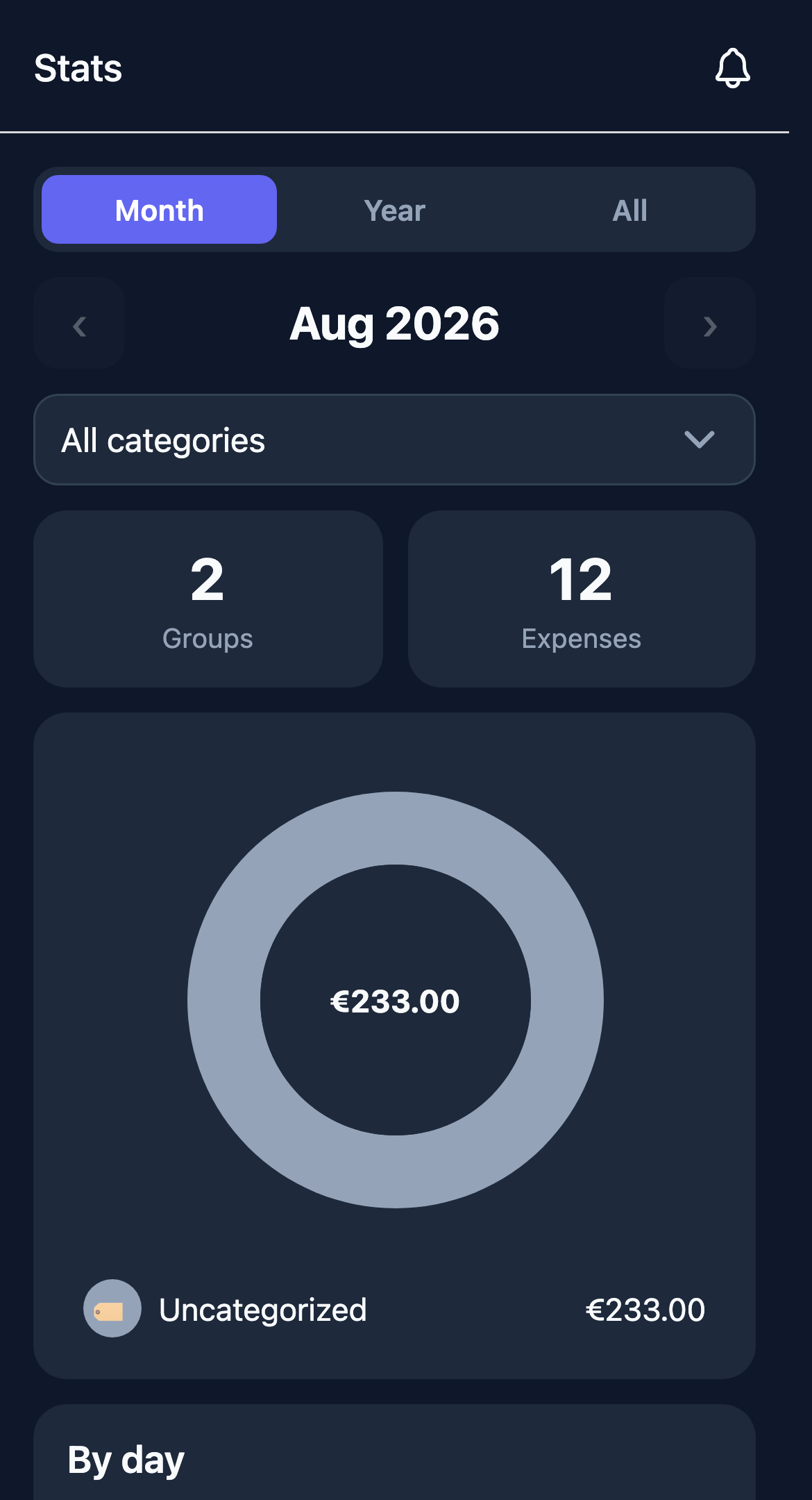
See your personal and shared expenses together in account stats.
01
Create a group with just you in it for personal expenses. For a trip or shared household, create another group and invite the people you split costs with.
Your personal group stays private. Shared groups are visible to their members. Account stats show your spending across both.
02
Add people with TmCount accounts, or use placeholders for anyone who hasn’t signed up. They can join later through an invite.
Record expenses, income, and repayments. Add categories, notes, and dates, and split costs equally or by amount. You can edit or delete entries and check the history of changes. Premium and partner plans also offer optional end-to-end encryption.
Balances show who owes whom and suggest payments to settle up. You can also view monthly and yearly charts, archive finished groups, or duplicate a group for your next trip.
03
The Free plan lets you use a limited number of groups. Premium adds unlimited groups, themes, Excel export, optional end-to-end encryption, and no ads. Partner TM access is arranged separately.
Premium subscriptions are billed through Stripe. You can check your plan and group limit in the app.
FAQ
Yes. Create a group with only you as a member and add your expenses. You can also create shared groups whenever you need to split costs.
Yes. The Free plan includes a limited number of groups. Premium adds unlimited groups and extra features.
Yes. Open TmCount in your browser on a phone or computer. On a phone, you can also add it to your home screen.
Yes. TmCount accepts common Tricount export files, including spreadsheets from community extractors. The Help section explains which files to use.
TmCount compares what each person paid with their share of the costs, then suggests payments to settle up. Pay through your bank, in cash, or however you prefer, then record the payment in the app.
The Privacy Policy and Terms of Service are linked at the bottom of this page and in the app. Help has guides on splits, repayments, importing, and plans.